
This is a multimedia projector, model PLC-XP20N, which has autofocus and auto keystone correction features
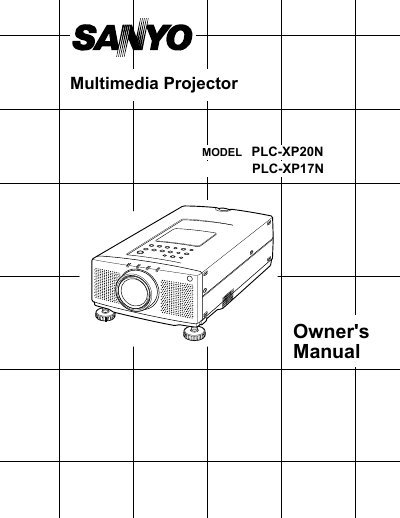
This Owner's Manual covers the features, design, and compatibility of the Sanyo PLC-XP20N and PLC-XP17N multimedia projectors. It details the automatic multiscreening system, multilanguage menu display, and laser pointer function, along with compatibility for IBM-compatible and Apple Macintosh computers.
| Image Resolution | 1024 x 768 |
|---|---|
| Compatible Resolution | up to 1280 x 1024 |
| Color Palette | 16.77 million colors |
| Display Technology | active matrix liquid crystal display (LCD) |
| Menu Languages | English, German, French, Italian, Spanish and Japanese |
The projector supports worldwide video standards including NTSC, NTSC4.43, PAL, PAL-M, PAL-N, and SECAM.
Yes, the Remote Control Unit includes a Laser Pointer function to highlight items during presentations.
The projector cannot display screen resolutions above 1280 x 1024.