
This manual provides detailed instructions on how to use the Panasonic PLC-XF35/XF35NL multimedia projector, including connection, use, maintenance, and troubleshooting. It can help users to use the projector correctly.
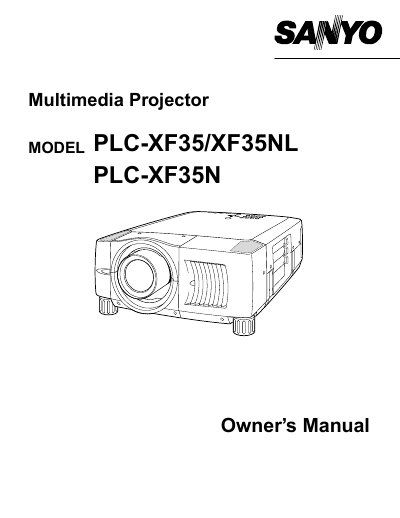
The document serves as an owner's manual for the Sanyo PLC-XF35, PLC-XF35NL, and PLC-XF35N multimedia projectors. It covers essential safety precautions regarding ventilation, laser pointers, and electrical hazards before operation begins.
The guide details the physical features of the projector, including controls and indicators on the top panel. It provides step-by-step instructions for setting up the device, connecting AC power cords compatible with various regions (US/Canada, UK), installing lenses, and positioning the unit correctly.
| Class A Digital Device Compliance | Complies with Part 15 of FCC Rules for Class A digital device limits. |
|---|---|
| Power Cord Grounding | Grounding-type AC line plug included. |
Read the manual again, check operations and cable connections, try solutions in the 'Trouble-shooting' section, or contact the sales dealer.
No. Do not remove the cover as there are no user-serviceable parts inside except for lamp replacement.
Eye damage could result. Be especially careful that children do not stare directly into the beam.