
This is the user manual of PLC-XP20N multi-media projector
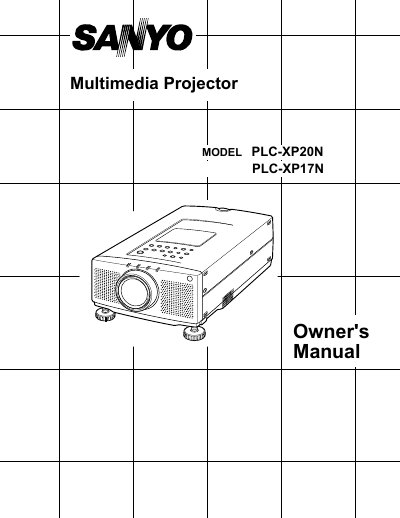
This Owner's Manual covers the Sanyo PLC-XP20N and PLC-XP17N multimedia projectors, detailing their features such as active matrix LCD technology, compatibility with IBM and Macintosh computers, and support for various video standards including NTSC, PAL, and SECAM. The document guides users through unpacking, installation, and connecting the projector to computers and video equipment.
| Image Resolution | 1024 x 768 |
|---|---|
| Compatible Computer Resolutions | up to 1280 x 1024 |
| Color Palette | 16.77 million colors |
| Display Technology | active matrix liquid crystal display (LCD) |
The menu can be displayed in English, German, French, Italian, Spanish, and Japanese.
No, the projector cannot display screen resolutions above 1280 x 1024.
The projector supports NTSC, NTSC4.43, PAL, PAL-M, PAL-N, and SECAM.