
The Extech VB500 Vibration Datalogger is an instrument that can display four channels of simultaneous vibration measurements. It can measure acceleration, velocity, and displacement, and supports multiple units of measurement. Data is stored on an SD card for transfer to a PC.
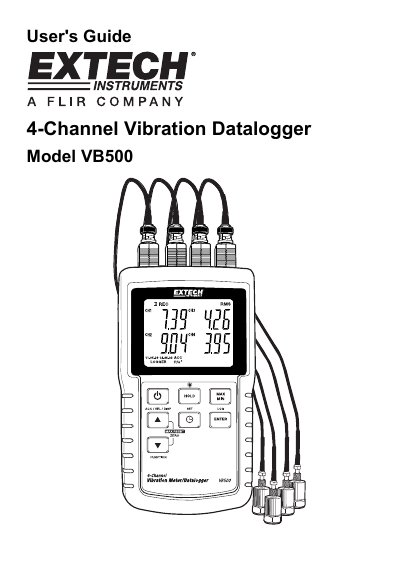
The Extech VB500 is a 4-channel vibration datalogger designed to display and store vibration readings of acceleration, velocity, and displacement. It supports multiple measurement units including meters/s2, ft/s2, g, mm/s, cm/s, in/s, mm, and inch. The device allows logged data to be stored on an SD card for transfer to a PC.
| Channels | four (4) |
|---|---|
| Measurement Types | Acceleration, Velocity and Displacement |
| Supported Units | meters/s2, ft/s2, g, mm/s, cm/s, in/s, mm and inch |
| Power Source | eight (8) 1.5V 'AA' batteries or by AC adaptor |
| Sampling Rates | 0, 1, 2, 5, 10, 30, 60, 120, 300, 600, 1800 or 3600 seconds |
| Auto Power OFF | 10 minutes of inactivity |
Power the meter by pressing and holding the power button for 3 seconds.
Press and hold the ACC/VEL/DISP (up arrow) button until the desired unit appears, then release.
Press and hold the SET button for 3 seconds to access the Setup menu.
Use a paper clip to momentarily press the reset button located on the upper right side of the instrument.