
This manual introduces the basic operation of the Extech RC200 RC Tweezers Multimeter, including safety operation, measurement range, measurement method, etc.
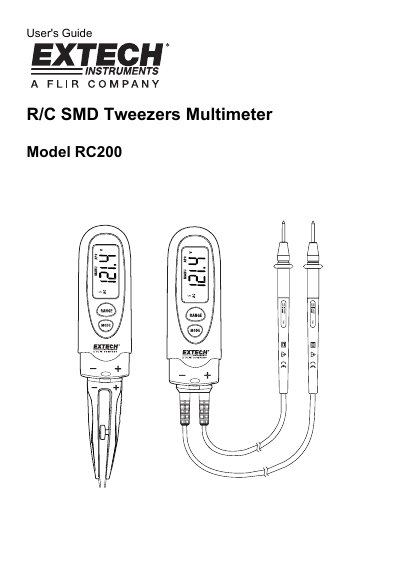
The Extech RC200 is a multimeter designed to measure SMD components using its tweezers adaptor or AC/DC voltage using test lead adaptors. It features an LCD display with auto-ranging capabilities and various measurement modes including resistance, capacitance, diode testing, and continuity checks.
The manual provides detailed instructions on operating the device, including how to switch between scan and manual modes, perform specific measurements like capacitance and diode tests, and maintain the unit. It also outlines safety warnings regarding high voltage and battery handling.
| DC Voltage Range | 600V |
|---|---|
| AC Voltage Frequency Response | 50 to 60Hz |
| Capacitance Range | 600uF |
| Battery Type | Two button batteries, AG13/LR44 or equivalent |
| Operating Temperature | -10°C to 50°C (14°F to 122°F) |
| Weight | 65g (2.302 oz) |
Press and hold the MODE button for 4 seconds to manually turn power off.
You must never measure voltage with the Tweezer adaptor installed as it is unsafe.
The 'EX' icon appears when the battery voltage becomes low and indicates that the batteries should be replaced.