
Extech 380193 LCR meter is a device that can accurately measure capacitors, inductors, and resistors using test frequencies of 120Hz and 1kHz. The dual display simultaneously shows the associated quality factor, dissipation, or resistance value using a series or parallel equivalent circuit. The included RS-232c PC interface and data acquisition feature allow users to capture readings to a PC for data storage, viewing, printing, and exporting to spreadsheets for graphing and other data manipulation tasks. The meter is fully tested and calibrated and, with proper use, will provide years of reliable service.
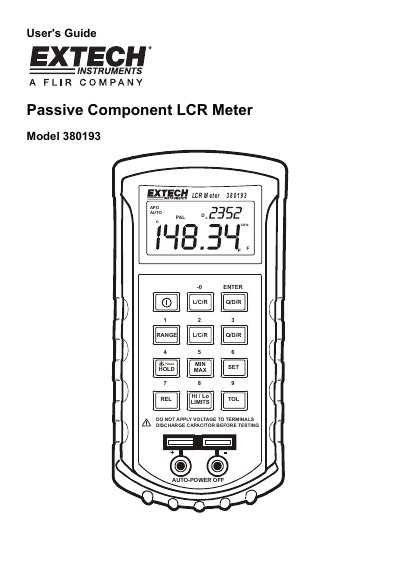
The Extech Model 380193 is a passive component LCR meter designed to accurately measure capacitors, inductors, and resistors using test frequencies of 120Hz and 1kHz. It features a dual display that simultaneously shows the primary parameter (L/C/R) along with secondary parameters such as quality factor, dissipation factor, or resistance value based on series or parallel equivalent circuits.
| Test Frequencies | 120Hz and 1kHz |
|---|---|
| Measurement Functions | Capacitance, Inductance, Resistance |
| Display Features | Dual display with series or parallel equivalent circuit |
| Interface Feature | RS-232c PC interface with Data Acquisition |
This meter supports test frequencies of 120Hz and 1kHz.
To disable auto-power off, press and hold the power on key until 'APO OFF' appears in the display.
The Open and Short function removes stray parallel and series fixture impedances from the measured value to improve accuracy.