
The Extech HDV600 series High Definition VideoScope is a remote inspection device designed for use in tight spaces. It can be used to record and playback real-time video and images. Typical applications include HVAC inspection, automotive inspection, cable routing, and automotive/boat/aircraft inspection.
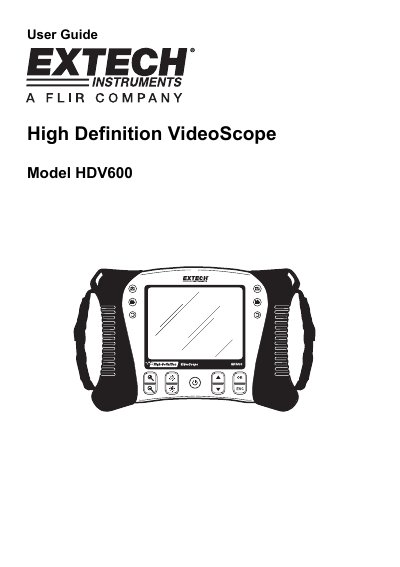
The Extech HDV600 is a high-definition video borescope designed as a remote inspection device. It allows users to peer into tight spots, record real-time video, and capture images. Typical applications include HVAC inspection, automotive checks, cable routing, and inspections for boats and aircraft.
| LCD Screen Resolution | 640x480 pixels |
|---|---|
| Maximum SD Memory | 2GB |
| Video Recording Format | AVI (640x480) |
The typical range is 2 to 6cm (0.79 to 2.3 inches).
A fully charged battery allows approximately 5 hours of continuous use.
Images are saved in JPG format and videos in AVI format.