
This is a user manual for a portable LCD projector model 8064.
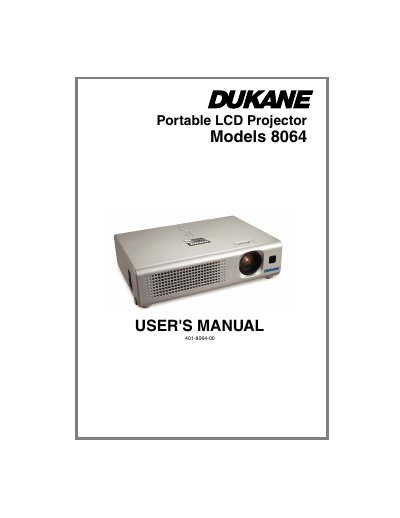
The Dukane 8064 is a portable LCD projector designed to project computer signals and NTSC/PAL/SECAM video signals onto a screen. It features a newly developed 165VWV UHB (Ultra High Brightness) lamp for high brightness in bright rooms and a WHISPER mode to reduce acoustic noise. The device is compact and slim, offering flexibility for various installation spaces.
The manual covers the projector's features, package contents, part names, and control buttons. It details the setup process, including fastening the lens cover, connecting devices, and adjusting the elevator. Users can learn how to operate the projector by selecting input signals, adjusting zoom and focus, correcting keystone distortions, and using the automatic adjustment feature. The guide also explains how to access the EASY MENU, PICTURE menu, and other settings to customize the display and audio.
| Brightness | 165VWV UHB |
|---|---|
| Supported Video Signals | NTSC / PAL / SECAM |
| Noise Mode | WHISPER mode |
It is used to project various computer signals as well as NTSC / PAL / SECAM video signals onto a screen.
You can use the WHISPER mode, which is equipped for reducing acoustic noise.