
This manual introduces the features and characteristics of the liquid crystal projector and provides operating instructions.
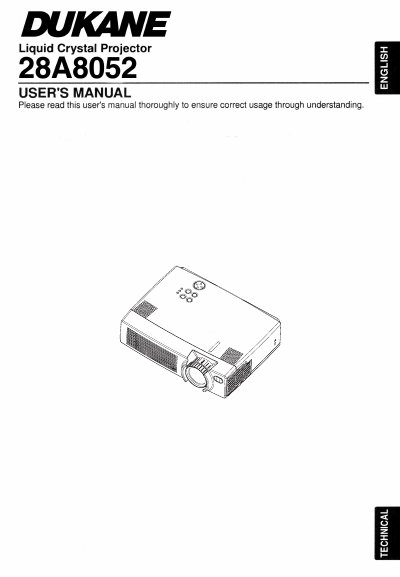
The Dukane 28A8052 is a Liquid Crystal Projector. This user's manual outlines essential safety precautions to prevent injury or damage, including warnings about high temperatures, electrical shock risks, and proper handling of the light source lamp.
The document details operational procedures such as setting up the projector, using the remote control transmitter, and cleaning the lens and air filters. It also specifies maintenance requirements, advising users to contact their dealer for internal cleaning every two years.
You must turn off the power and remove the AC cord, then wait 45 minutes to let the lamp cool.
Your dealer should clean the inside of the projector about every two years.