
This document explains how to install the EP-10 fuel flow sensor and connect it to a NMEA 2000 network using LowranceNET network components. Warning: The EP-10 sensor is not suitable for diesel engine fuel systems.
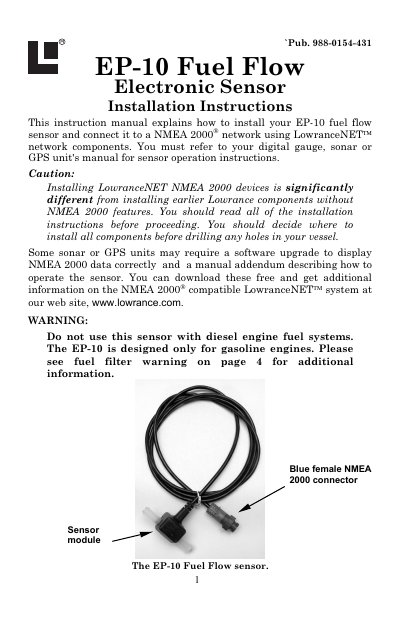
This manual provides instructions for installing the Lowrance EP-10 Fuel Flow Electronic Sensor and connecting it to a NMEA 2000 network using LowranceNET components. The sensor is designed specifically for gasoline engines and measures fuel flow rates between 0.6 to 45 gallons per hour.
| Flow Rate Range | 0.6 to 45 gallons (U.S.) per hour |
|---|---|
| Back Pressure (20 GPH) | 0.5 PSI |
| Back Pressure (40 GPH) | 1 PSI |
| Cable Length | 10 feet |
| Hose Size | 3/8" (9.5 mm) |
No, the sensor is designed only for gasoline engines and should not be used with diesel engine fuel systems.
The sensor must be connected to a NMEA 2000 network using a T connector or a LowranceNET Node Kit if starting a new network.
Yes, you must install an in-line fuel filter or fuel water separator between the tank and the sensor to prevent turbine clogging.