
This document shows how to connect an EP-85R storage device to a NMEA 2000® network and store fuel usage data for up to three NMEA 2000 compatible engines.
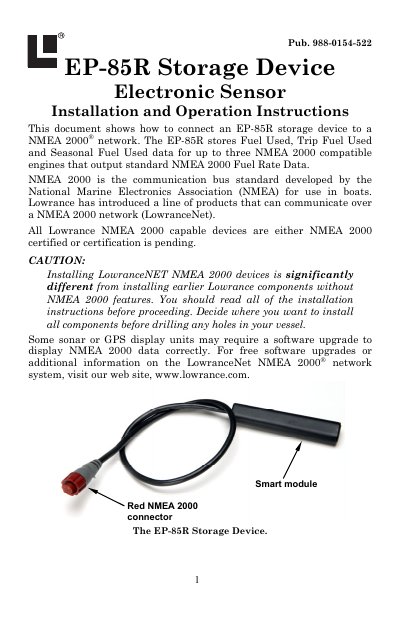
The Lowrance EP-85R Storage Device is a smart module designed to accumulate fuel used data from up to three NMEA 2000 compatible engines. It stores Fuel Range, Fuel Used, Trip Fuel Used, and Seasonal Fuel Used data. The device connects to a NMEA 2000 network via a red connector and is compatible with LowranceNet blue connector networks using an adapter cable. Installation requires connecting the device to the network backbone using a T connector or a LowranceNET Node Kit if expanding a new network.
| Compatible Engines | up to three NMEA 2000 compatible engines |
|---|---|
| Stored Data Types | Fuel Range, Fuel Used, Trip Fuel Used, Seasonal Fuel Used |
| Network Compatibility | NMEA 2000 and LowranceNet blue connector networks |
The default setting is 5 seconds, after which menus will time out.
Press MENU, highlight SYSTEM SETUP, press MENU twice, choose ENG/TANK, press MENU twice, then press MENU again.
No, the EP-85R will not calculate Fuel Range if the Fuel Remaining Source is set to Fluid Level.