
This document introduces some new features in MapCreate 6.1, including generating a quick estimate of the final file size of your custom map, automatically finding and saving your custom maps and GPS data to your MMC card, and improvements to the way you load and save older custom GPS data files.
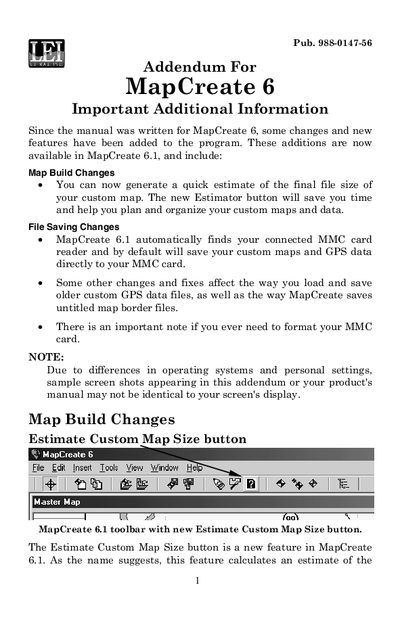
This document serves as an addendum for the MapCreate 6 software, specifically highlighting updates and new features introduced in version 6.1. Key additions include a new 'Estimate Custom Map Size' button to help users plan file sizes and a change in default save behavior to automatically save custom maps and GPS data directly to connected MMC card readers.
| Supported Card Format | FAT formatted |
|---|---|
| New File Format for GPS Data | *.usr |
It automatically finds the connected MMC card reader and saves custom maps and GPS data directly to the card.
New GPS Data Files can only be saved in the *.usr format.