
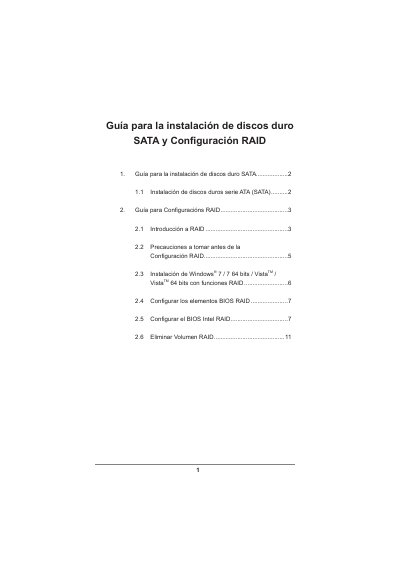
This document serves as a guide for installing SATA hard drives and configuring RAID arrays on systems equipped with the Intel X79 chipset. It covers support for RAID levels including RAID 0, RAID 1, RAID 5, RAID 10, and Intel Rapid Storage technology.
The manual provides step-by-step instructions for setting up the BIOS to enable RAID mode, creating volumes using the Intel RAID Utility (accessed via Ctrl+I), and installing compatible operating systems such as Windows Vista or Windows 7. It also includes precautions regarding drive capacity matching and data backup before configuration. This manual is written in Spanish.
| Chipset Support | Intel X79 chipset |
|---|
The guide supports installing Windows 7 / 7 64 bits and VistaTM / VistaTM 64 bits. It notes that the RAID mode is not supported under Windows XP.
You must restart your computer and press
A minimum of four identical hard drives are required for this configuration.