
This document introduces how to install and configure RAID disk arrays, including RAID 0, RAID 1, RAID 10, RAID 5, Intel Matrix Storage, etc.
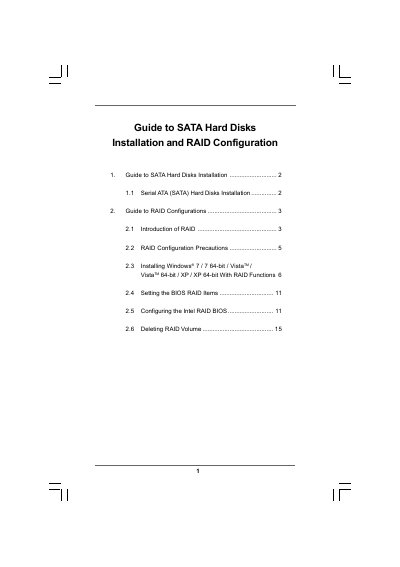
This guide explains how to install Serial ATA (SATA) hard disks on a motherboard that uses an Intel southbridge chipset and how to set up various RAID configurations. It covers RAID basics, precautions, and the required BIOS and driver settings.
The document also provides detailed procedures for installing Windows operating systems with RAID, creating a "RAID Ready" system, migrating existing drives to RAID 0/1/5, and deleting RAID volumes when needed.
| Minimum drives for RAID 5 | Three identical hard disks |
|---|---|
| Minimum drives for RAID 10 | Four hard disks |
The motherboard provides four independent SATA channels.
At least three identical hard disks are required for RAID 5.
Yes, a "RAID Ready" system can be upgraded to RAID 0, RAID 1 or RAID 5 later using the migration feature of Intel Matrix Storage.