
This document is a guide to SATA hard disk installation and RAID configuration. It provides detailed steps for installing SATA hard disks and configuring RAID. The document focuses on the RAID functions supported by the Intel H67 chipset, including RAID 0, RAID 1, RAID 10, RAID 5, and Intel Rapid Storage. It also introduces basic RAID knowledge and configuration guides.
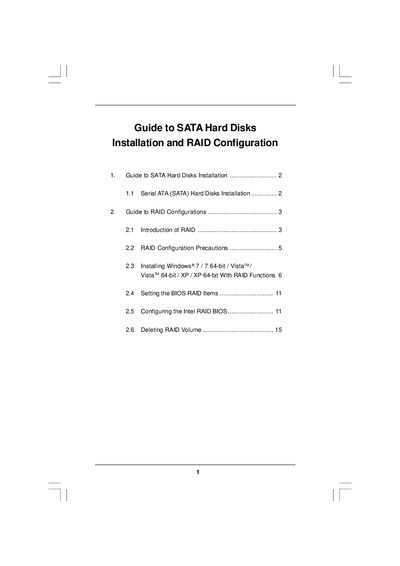
The guide provides step‑by‑step instructions for installing Serial ATA (SATA) hard drives and setting up various RAID levels on Intel H67‑based motherboards. It covers BIOS configuration, driver preparation, and the use of Intel Rapid Storage software.
Key topics include RAID level options (0, 1, 10, 5), installation precautions, Windows OS setup with RAID drivers, creating and migrating RAID volumes, and managing RAID settings through the Intel Rapid Storage console.
| Number of SATA channels | 4 independent SATA channels |
|---|---|
| Minimum drives for RAID 10 | 4 hard disks |
| Minimum drives for RAID 5 | 3 identical hard disks |
Enter the BIOS Setup Utility, go to the Advanced → Storage Configuration screen, and set “SATA Operation Mode” to [RAID].
A minimum of three identical hard disk drives is required for RAID 5.