
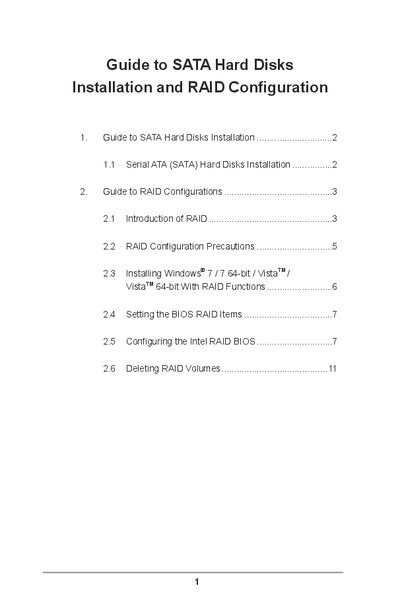
The document provides step‑by‑step instructions for installing Serial ATA (SATA) hard disks and setting up various RAID levels on Intel‑based motherboards. It covers BIOS configuration, RAID volume creation, and Windows installation with RAID support.
Key sections include SATA installation, RAID type overviews, BIOS RAID settings, creating and deleting RAID volumes, and troubleshooting tips. The guide is intended for users who need to enable RAID functionality for improved performance or data protection.
| Number of SATA channels | four |
|---|---|
| Supported RAID levels | RAID 0, RAID 1, RAID 5, RAID 10 |
| Default strip size for RAID volume | 128KB |
| Example RAID volume capacity | 2235GB |
Enter the BIOS setup utility, highlight Advanced, and set "Configure SATA" to [RAID] before saving and exiting.
The default strip size is 128KB.
A minimum of three identical hard disk drives is required for RAID 5.