
This document introduces how to create RAID on Intel P67 chipset motherboard, including RAID 0, RAID 1, RAID 10, RAID 5 and Intel Rapid Storage.
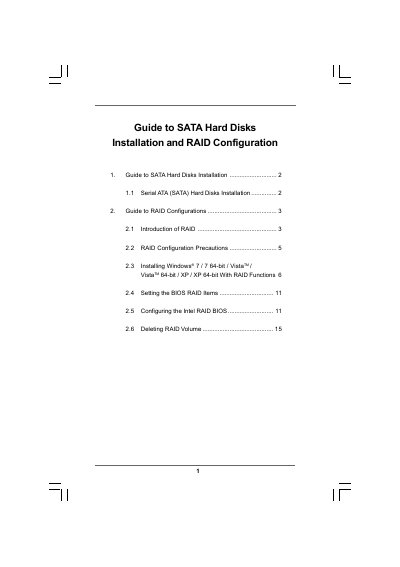
This guide explains how to install Serial ATA (SATA) hard disks on an ASRock motherboard using the Intel P67 chipset and how to configure various RAID levels (RAID 0, 1, 5, 10, Intel Rapid Storage). It covers BIOS settings, driver preparation, and step‑by‑step procedures for Windows installation with RAID enabled.
Additional sections describe RAID volume creation, migration from a non‑RAID system, and how to delete RAID volumes, providing practical instructions and precautions for each RAID configuration.
| Number of SATA channels | Four independent SATA channels |
|---|---|
| Minimum drives for RAID 5 | Three identical hard disk drives |
Enter the BIOS Setup Utility, go to Advanced screen Storage Configuration, and set “SATA Operation Mode” to [RAID].
A RAID 5 array requires at least three identical hard disk drives.
It is not recommended; the smaller drive will limit the total capacity of the RAID 0 set.