
This document is a guide to SATA hard disk installation and RAID configuration. It explains how to install SATA hard disks and configure RAID, including RAID 0, RAID 1, RAID 5, RAID 10, and Intel Rapid Storage. The document also provides basic knowledge about RAID and configuration guides.
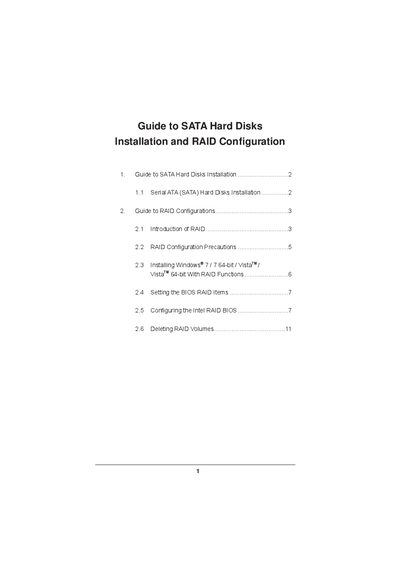
This guide explains how to install Serial ATA (SATA) hard disks on a motherboard that uses the Intel Z75 chipset and how to set up various RAID configurations. It covers RAID basics, supported RAID levels, BIOS settings, and the use of Intel Rapid Storage technology.
The document provides detailed instructions for configuring RAID 0, RAID 1, RAID 5, and RAID 10, including drive‑size considerations, BIOS setup steps, and how to create or delete RAID volumes using the Intel RAID utility.
| Supported RAID levels | RAID 0, RAID 1, RAID 5, RAID 10 |
|---|---|
| Minimum drives for RAID 5 | 3 identical drives |
| Minimum drives for RAID 10 | 4 drives |
| Supported SATA mode for RAID | RAID |
The Intel Z75 chipset supports RAID 0, RAID 1, RAID 5, and RAID 10 configurations.
A minimum of three identical hard disk drives is required for RAID 5.
In the BIOS setup, set “SATA Mode Selection” to [RAID] and save the changes.
RAID mode is not supported under Windows XP or XP 64‑bit.