
This document is a guide to SATA hard disk installation and RAID configuration. It includes the installation steps for SATA hard disks and the introduction and setup of various RAID configurations.
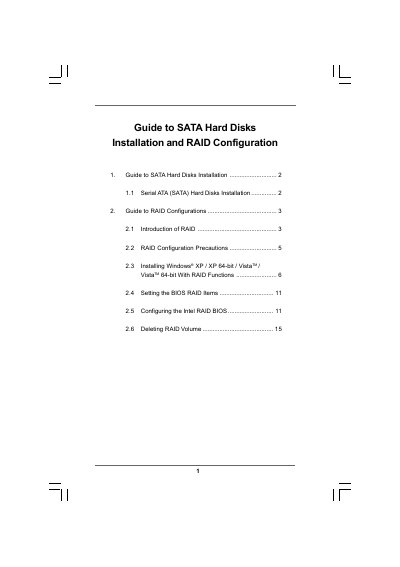
The document provides step‑by‑step instructions for installing Serial ATA (SATA) hard disks on Intel‑based motherboards and setting up various RAID levels (0, 1, 5, 10, Matrix Storage). It covers BIOS configuration, driver preparation, and RAID volume creation.
Key sections include SATA installation procedures, RAID configuration precautions, BIOS RAID item settings, creating and deleting RAID volumes, and OS installation (Windows XP, Vista) with RAID drivers. The guide also describes how to migrate a “RAID Ready” system to RAID 0, 1, or 5.
| Supported chipset | Intel ICH10R southbridge |
|---|
Set the SATAII Configuration to [Enhanced] and then set the option to [RAID] in the BIOS setup utility.
A stripe size of 64 KB is recommended for typical disk usage.