
This document provides detailed information about how to configure SATA hard drives and RAID on Intel ICH9R southbridge chipset motherboards.
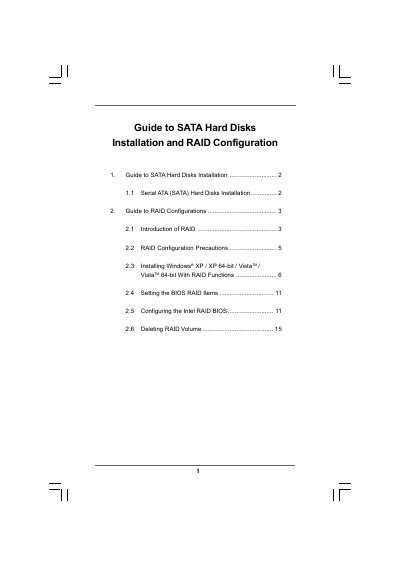
This guide explains how to install Serial ATA (SATA) hard disks on motherboards that use the Intel ICH9R southbridge chipset and how to enable RAID functions in the BIOS. It covers the basics of RAID, safety precautions, and detailed procedures for setting up RAID levels 0, 1, 5, and 10.
The document also provides OS‑specific instructions for Windows XP, Vista, and Windows 64‑bit, including driver diskette creation, BIOS configuration, and use of Intel Matrix Storage Manager for managing RAID volumes. This manual is written in Chinese.
| RAID support | RAID 0, RAID 1, RAID 5, RAID 10, Intel Matrix Storage |
|---|---|
| SATA channels | Four independent Serial ATA (SATA) channels |
| Minimum drives for RAID 10 | Four hard disk drives required |
Use two drives of the same size; if the drives differ, the smaller drive determines the usable capacity for the RAID 0 set.