
Intel Matrix Storage Manager is used to create RAID volumes. This tool can create, delete or rebuild any RAID array
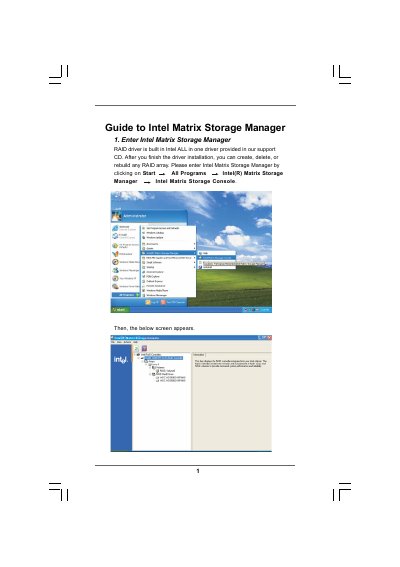
This guide explains how to install Intel Matrix Storage Manager, create and manage RAID volumes, and use Intel Rapid Recover Technology for data protection. It walks the user through each step, from selecting source disks to specifying volume size and completing the migration process.
The document also details strip‑size options, volume‑name limits, and the recovery options available with Intel Rapid Recover Technology, helping users configure optimal performance and ensure data safety.
| Volume Name Length | 1‑16 characters |
|---|---|
| Strip Size Options | 4 KB, 8 KB, 16 KB, 32 KB, 64 KB, 128 KB |
| Supported RAID Levels | RAID 0, RAID 1, RAID 5, etc. (as selectable in the wizard) |
Open Intel Matrix Storage Manager, choose Action → Create RAID Volume from Existing Hard Drive, follow the wizard steps, and click Finish.
It uses RAID 1 mirroring to copy data from a master drive to a recovery drive, either continuously or on request.
The existing data on the selected hard disk will be deleted; you should back up important data before proceeding.