
Describes the camera's shooting and playback functions, as well as precautions
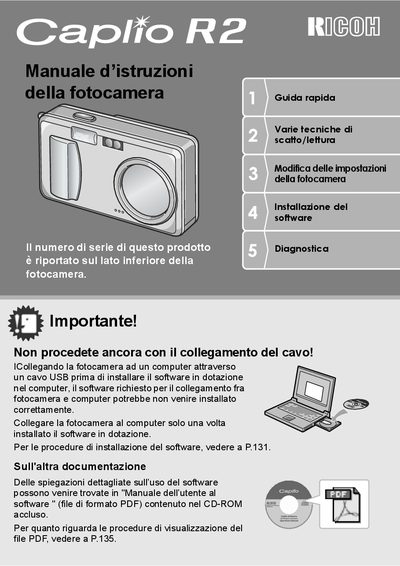
This document is the Italian user manual for the Ricoh Caplio RZ compact digital camera. It provides instructions on safety precautions, battery usage, and initial setup procedures such as language selection and date/time configuration.
The guide details various shooting techniques including autofocus modes, zoom usage, macro photography, and scene modes. It also covers image playback options, direct printing to compatible printers via USB, and the use of the included ImageMixer software for managing photos and creating video CDs. This manual is written in Italian.
| Lens Zoom Range | 28 - 135 mm equivalent |
|---|---|
| Zoom Factor | 4.8x |
| Body Thickness | 25 mm |
| Shutter Lag | 0.1 seconds |
| Macro Focus Distance | 1 cm |
Install the software first, then connect the camera via USB cable.
Yes, by connecting a compatible printer to the camera via USB cable.