
This document provides information on how to use the functions of this product to take and view photos, as well as warnings about its use. Please read this guide carefully before using the product to make the most of all its features.
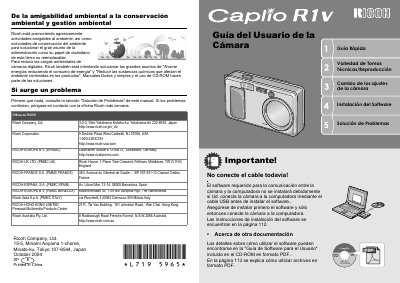
This manual covers the operation of the Ricoh Caplio R1V digital camera. It includes a quick start guide for initial setup, detailed instructions on taking various types of photographs such as macro shots and movies, and explains how to play back images on the LCD screen or a television.
The document also details the installation of the included CaplioViewer software for Windows and Macintosh systems, direct printing capabilities without a computer, and troubleshooting steps for common issues. It concludes with specifications and care instructions. This manual is written in Spanish.
The Caplio R1V features a wide-angle lens with an amplification of 4.8x.
The camera allows you to capture details from a very short distance of only 1 cm.