
This manual describes the methods of using the product for shooting and playback, and the precautions to be taken when using the product.
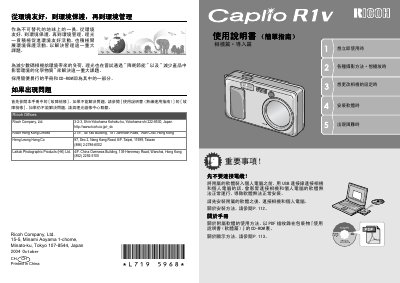
This user manual covers the usage of the Ricoh Caplio R1V digital camera, including setup, photography modes, playback, and maintenance. It details how to use the camera's features such as the 4x-8x optical zoom, macro photography, and voice animation recording. The guide also explains how to manage power sources, including AA batteries and optional rechargeable batteries, and how to transfer images to a computer or print them directly. This manual is written in Chinese.
| Zoom Range | 4.8x high-ratio wide-angle zoom |
|---|---|
| Shutter Speed | 0.1 second |
| Macro Distance | 1 cm |
| Voice Animation | 320x240 pixels, 30 fps |
| Scene Modes | 6 modes |
The camera supports alkaline batteries, optional rechargeable batteries, and an AC converter.
Install the included software on your computer before connecting the camera via USB.
A large-capacity rechargeable battery can store up to 5,000 images.