
Ricoh Caplio R1V Digital Camera User Manual

This user manual mainly introduces the use method and precautions of the camera
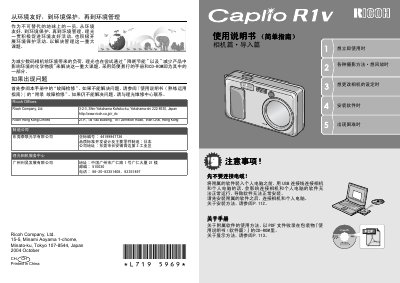

Ricoh Caplio R1V Digital Camera User Manual - cover page
Brand
Ricoh
Category
Digital cameras
Document type
User Manual
Language
Chinese
Pages
156
File format
PDF
File size
19.8 MB
Published
09 July, 2012
Updated
30 September, 2023
Models
R1V, Caplio R1
MD5 checksum
D44721DD43ACD7DAB0E12CC8CE02E2C1

About this manual

This user manual covers the operation of the Ricoh Caplio R1V digital camera. It details how to prepare the camera, including installing batteries and memory cards, and setting up the display language and date. The guide explains various photography methods such as using the zoom lens, macro shooting, and flash usage. This manual is written in Chinese.

What's inside

  • Camera Parts
  • Power On/Off
  • Photography Preparation
  • Shooting Methods
  • Playback
  • Deleting Images
  • Direct Printing
  • Troubleshooting

Frequently asked questions

What is the Ricoh Caplio R1V Digital Camera designed to do?

The camera is designed to record and play back images, suitable for various scenes from indoors to landscapes.

How many power options are available for the camera?

There are three power options: alkaline batteries, a dedicated rechargeable battery, and an AC adapter.

What is the shutter switching time of the camera?

The shutter switching time is 0.1 second.

Download PDF (19.8 MB)

More Ricoh Manuals


View all Ricoh manuals →