
This document is a user manual for a camera, which includes information about how to connect the camera, install the software, use various shooting techniques, and important instructions.
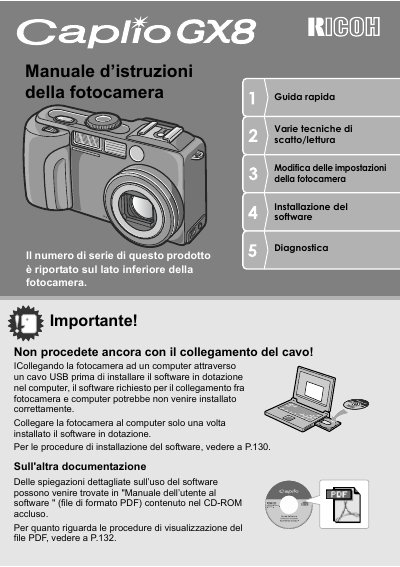
This document is the Italian user manual for the Ricoh Caplio GX8 compact digital camera. It provides instructions on safety precautions, battery usage, and initial setup including language selection and date/time configuration.
The guide details various shooting modes such as Scene mode, Macro photography with a 1 cm minimum distance, and high-speed video recording at 30 frames per second. It also explains how to transfer images via USB cable or print directly using PictBridge-compatible printers. This manual is written in Italian.
| Effective Pixels | 8.240.000 pixel effettivi |
|---|---|
| Zoom Range | 28 mm ad alte prestazioni |
| Digital Zoom | x4 |
| Macro Distance | 1 cm |
| Video Frame Rate | 30 fotogrammi/secondo |
Do not connect the camera via USB before installing the software, as this may prevent correct installation of required drivers.
The camera can reproduce details of a subject placed at only 1 cm away.