
This document is a user manual for a certain product, which introduces the features and functions of the product, as well as the precautions to be taken when using it. It is important not to connect the device to the computer before installing the provided software, as it may result in incorrect installation of the necessary software for connecting the camera and the computer. Detailed explanations of the provided software are available in the 'Software User Manual' (PDF file) on the included CD-ROM. The product is manufactured by Ricoh Co., Ltd.
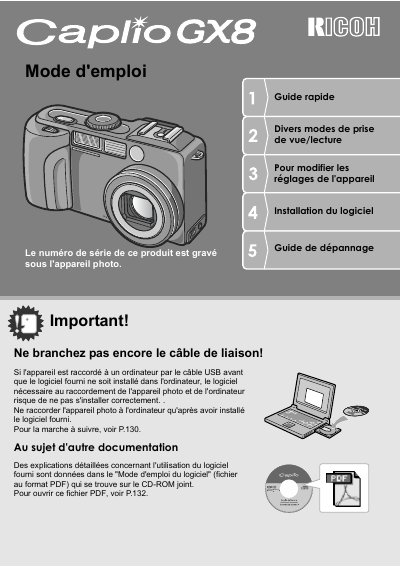
This document is the French user manual for the Ricoh Caplio GX8 digital camera. It provides instructions on verifying package contents, installing batteries or an AC adapter, inserting SD memory cards, and powering the device on or off.
The guide details various shooting functions including fixed image capture, macro photography at 1 cm, flash usage, and scene modes. It also covers image playback features such as mosaic display, zooming, and deletion, along with direct printing capabilities. This manual is written in French.
The camera has an effective pixel count of 8,240,000.
The shutter response time is 0.1 second.
The camera can focus on subjects at a distance of 1 cm.