
This manual provides information on how to use the shooting and playback functions of this product, as well as warnings on its use. To make the best use of this product's functions, read this manual thoroughly before use. Please keep this manual handy for ease of reference.
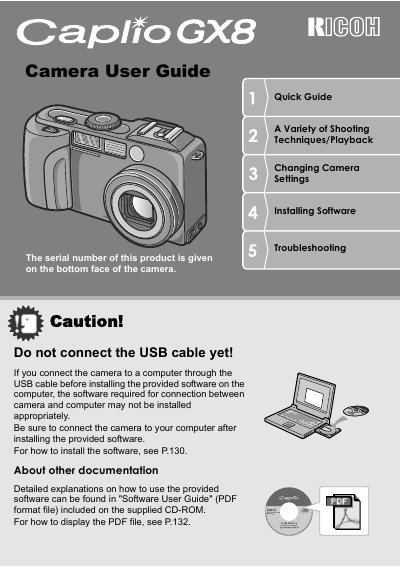
This document serves as the official user guide for the Ricoh Caplio GX8 digital camera. It covers essential topics including safety precautions, key features such as the 8.24 million effective pixels and 28mm wide zoom lens, and detailed instructions on using the camera's various modes and functions. The guide explains how to operate the mode dial, utilize the up/down dial for exposure settings, and perform macro shooting down to 1 cm. It also details the process for installing the provided ImageMixer software and connecting the camera to a computer via USB.
| Effective Pixels | 8,240,000 |
|---|---|
| Lens Focal Length | 28 mm wide zoom |
| Digital Zoom | 4 times |
| Macro Shooting Distance | 1 cm |
| Shutter Lag | 0.1 seconds |
| Movie Resolution | 320 x 240 pixels |
| Movie Frame Rate | 30 frames/second |
The effective number of pixels is 8,240,000.
Yes, the camera supports ultra-macro shooting up to 1 cm.
The shutter release time lag is as short as 0.1 seconds.
Yes, the camera supports USB Ver.2.0 for fast file transfer.