
This document is a user manual for the Ricoh camera, providing information on how to use the camera, techniques, software usage, etc.
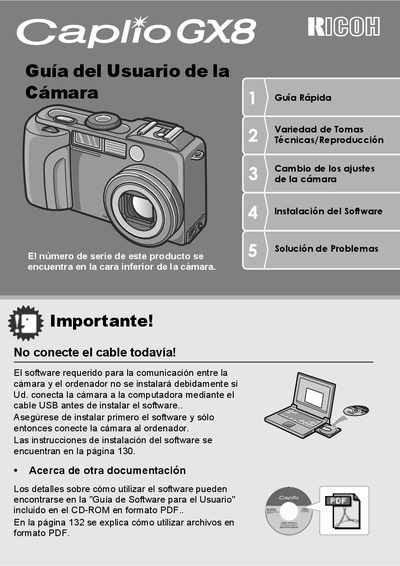
This document is a Quick Start Guide for the Ricoh Caplio GX8 digital camera. It provides essential instructions for initial setup, including installing the required software and connecting the camera to a computer via USB. The guide emphasizes safety precautions and copyright restrictions before detailing the camera's features. This manual is written in Spanish.
| Effective Pixels | 8.240.000 |
|---|---|
| Lens Zoom | 28 mm |
| Digital Zoom | 4x |
| Macro Distance | 1 cm |
| Video Resolution | 320 x 240 pixels |
| Video Frame Rate | 30 fps |
The serial number is located on the bottom of the camera.
The camera can use a special rechargeable battery, standard AA alkaline batteries, or an AC adapter.