
This is a three-in-one all-in-one printer that can print, copy, and scan. It has an automatic double-sided printing feature that can improve printing efficiency. It also has an automatic double-sided scanning feature that can scan two pages per sheet, saving paper and time. This all-in-one also has an automatic text recognition feature that can convert scanned text into electronic documents.
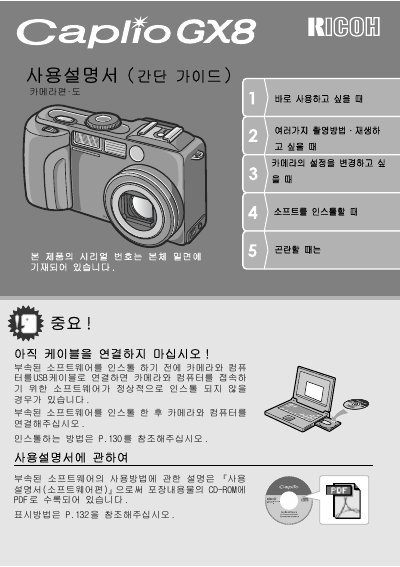
This document is the official Japanese user manual for the Ricoh Caplio GX8 digital camera. It provides comprehensive instructions on operating the device, including power settings, shooting modes, playback functions, and connecting to a computer via USB or PictBridge.
The guide also details the usage of included software such as ImageMixer and PhotoBase Pro 4, explaining how to transfer images and create photo books. Additionally, it covers troubleshooting steps for common issues like battery replacement and memory card formatting. This manual is written in Japanese.
Support numbers are provided for the UK, Germany, France, Italy, Spain, and the Netherlands on page 179.
The manual states that a ring with an inner diameter of at least 1 cm is required.
The manual specifies that the ring must have a width of at least 20 cm.
The manual requires the lens hood to have an inner diameter of at least 15 cm.