
This document is a user manual for Ricoh cameras. It includes information on pre-use precautions, software installation steps, and instructions for using the camera's photography and playback functions.
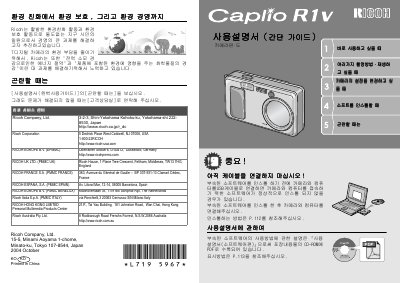
The Ricoh Caplio R1V is a compact digital camera designed for personal multimedia use. This user manual covers essential operations such as turning the device on and off, adjusting display settings, and navigating through menus to capture photos or videos.
Key features include a 2.5-inch LCD screen with a resolution of approximately 230,000 dots, supporting various shooting modes like Auto, Portrait, Landscape, and Night Scene. The camera supports USB connectivity for transferring images to computers running Windows 98/ME/2000/XP or Macintosh OS 9.x/10.x. This manual is written in Chinese.
The optical zoom ranges from 28mm to 135mm.