
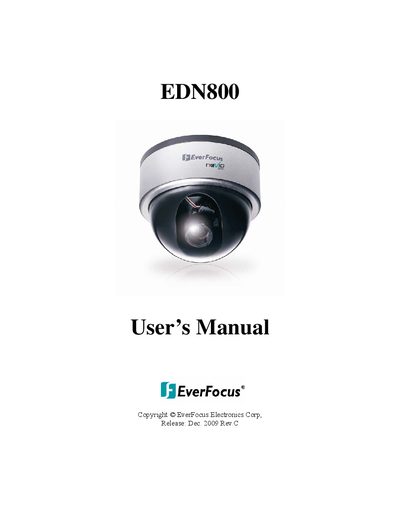
The EverFocus EDN800 is a vandal dome network camera designed for discreet surveillance. It features H.264, MPEG-4, and MJPEG compression with multi-streaming capabilities to save bandwidth while maintaining high video quality. The device supports Power over Ethernet (PoE) IEEE 802.3af and includes a built-in SD card slot for local storage.
| Compression Formats | H.264, MPEG-4 and MJPEG |
|---|---|
| Lens Type | Vari-focal auto IRIS lens |
| Power Supply | 12 VDC & PoE |
| Operating Temperature | 0℃ ~ +40 ℃ / 32 ~ 104 |
The default Username is 'user1' and the default password is '11111111'.
Press the Browse button to search for the firmware file, then press the Upgrade button. Do not disconnect power during this process.