
3M Digital Projector X90w Operator's Guide, introduce the use of the product, precautions, etc.
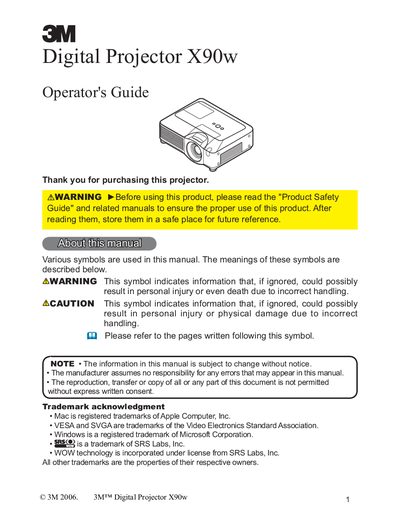
The 3M Digital Projector X90w is designed to project various picture signals onto a screen with minimal installation space. The manual covers package contents, part names, and detailed setup instructions including connecting devices like SD cards and USB memory, as well as power supply connections.
Operation sections explain how to use the control panel and remote control for functions such as adjusting volume, selecting input signals, correcting keystone distortions, and using automatic adjustment features. The guide also details menu navigation for picture, image, input, setup, audio, screen, option, and MIU settings.
| Product Type | Digital Projector |
|---|
This projector is designed to project various picture signals onto a screen.
You must keep a space of 30 cm or more between the sides of the projector and other objects such as walls.
Do not place the projector in direct sunlight, near hot objects like heaters, on carpet, or in bathrooms.