
This document describes the features and characteristics of a projector, including ultra-high brightness, whisper mode, user memory function, etc.
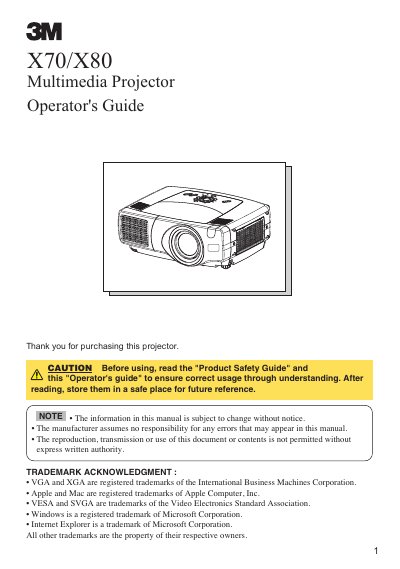
The document serves as an operator's guide for the 3M X70 and X80 multimedia projectors. It covers essential features such as ultra-high brightness, whisper mode, user memory functions, partial magnification, keystone correction, and optical lens shift (X80 only). The manual details how to prepare the projector, including using the elevator feet for height adjustment and the lens shift buttons for vertical positioning on the X80 model.
| Elevator feet adjustment range | 0 to 9 degrees |
|---|---|
| User Memory Function capacity | 4 settings |
The X80 model has an optical lens shift that allows vertical adjustment of the picture position.
Press and hold the elevator buttons to raise or lower the projector, then release them to lock into position.