
This document is the X68 Multimedia Projector Operator's Guide, which provides information on the safe use, precautions, and trademark acknowledgment of the product.
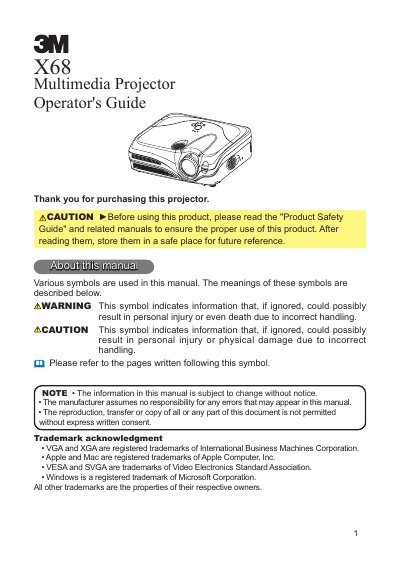
The 3M X68 Multimedia Projector is a compact device featuring a 230W Ultra High Brightness (UHB) lamp and a WHISPER mode for low-noise operation. It supports various input signals, including computer signals and NTSC/PAL/SECAM video, and can project images onto screens of various sizes from a short distance. The manual details the contents of the package, part names, and safety precautions for installation.
| Lamp Power | 230W |
|---|---|
| Supported Video Signals | NTSC/PAL/SECAM |
| Resolution | 1024 x 768 |
Push the Restart switch using a cocktail stick or similar tool after letting the projector cool down for at least 10 minutes.
The projector can project a maximum screen diagonal of 300 inches.
You must keep at least 30 cm of space on both sides of the projector.