
This document is the product safety guide for 3M™ Multimedia Projector X62, which introduces the product's safety information, product safety labels, lamp, warranty, etc.
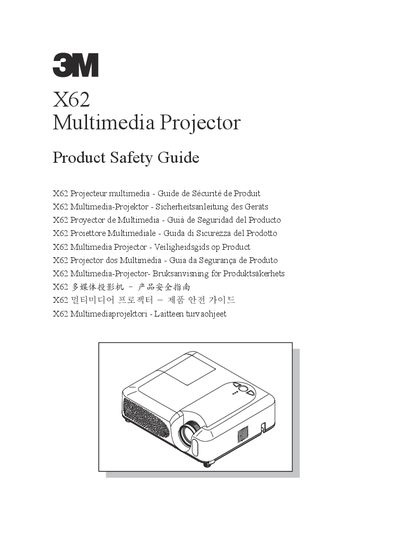
The 3M X62 Multimedia Projector is designed for indoor use with specific brand lamps and mounting hardware. It is not intended for household use or by children. The guide outlines critical safety protocols regarding electrical hazards, lamp replacement, and environmental conditions to prevent injury or equipment damage.
Key precautions include disconnecting power before cleaning or replacing the lamp, allowing the lamp to cool for 45 minutes before handling, and avoiding direct eye contact with the lens while the lamp is on. Users must also ensure proper ventilation and avoid placing the projector in direct sunlight or near heat sources.
| Operating Voltage Range | 100 to 120 volts / 220 to 240 volts (50 to 60 Hz) |
|---|---|
| Lamp Cooling Time | 45 minutes |
No, the projector is not intended for household use or use by children.
You must unplug the projector and allow the lamp to cool for 45 minutes.
No, there are no user-serviceable parts inside except the lamp cartridge; contact an authorized provider.