
3M X75 Multimedia Projector Operator's Guide

This manual is the operator's guide for 1 X75 multimedia projector
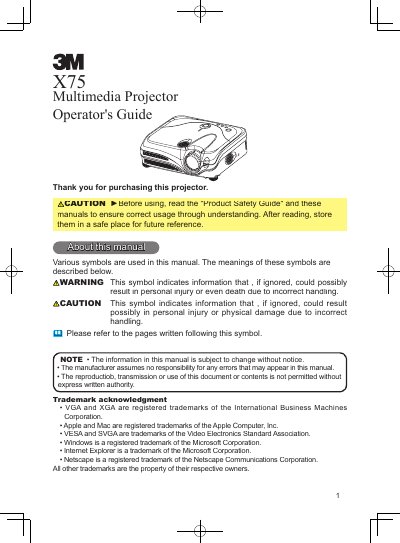

3M X75 Multimedia Projector Operator's Guide - cover page
Brand
3M
Category
Projector
Document type
User Manual
Language
English
Pages
57
File format
PDF
File size
4.8 MB
Published
06 July, 2012
Updated
01 October, 2023
Model
X75
MD5 checksum
AFDB90E18DB4CE027C27A47E27A2F976

About this manual

The 3M X75 Multimedia Projector is a compact device designed to project computer and video signals onto a screen. It features a high-brightness 230W UHB lamp and a WHISPER mode for quiet operation. The projector supports various connectivity options including VGA, DVI, S-Video, and USB, allowing connections to PCs, DVD players, and other signal sources.

What's inside

  • Projector features
  • Preparations
  • Setting up
  • Connecting your devices
  • Operating
  • Multifunctional settings
  • Maintenance
  • Troubleshooting
  • Specifications
  • Accessories

Specifications

Brightness ModeWHISPER mode

Frequently asked questions

What should I do if the projector does not operate correctly?

Push the Restart switch using a cocktail stick or similar tool, then let the projector cool down for at least 10 minutes before turning it on again.

Where can I find the air filter?

The air filter and intake vent are located inside the projector, behind the filter cover.

Download PDF (4.8 MB)

More 3M Manuals


View all 3M manuals →