
This is the user manual for the 3M S55i/X55i Multimedia Projector
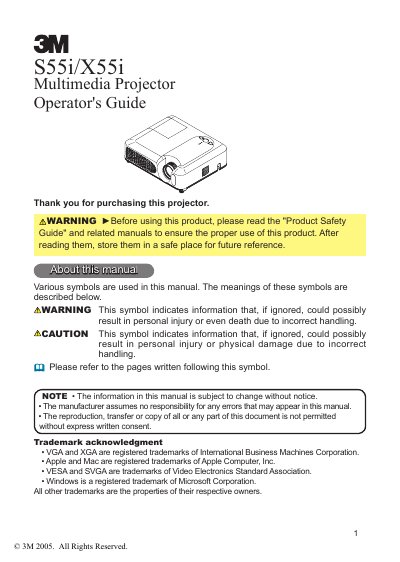
This manual serves as the operator's guide for the 3M 1S55i/X55i multimedia projector. It covers essential topics including product safety, features, and preparations such as checking the contents of the package and identifying part names on the projector and remote control. The guide details the setup process, including fastening the lens cover, arranging the projector, adjusting the elevator, and connecting various devices and power supplies.
Push the Restart switch using a cocktail stick or similar, and let the projector cool down for at least 10 minutes.
The projector is designed to project computer signals as well as NTSC/PAL/SECAM, Component (SD, HD), and video signals onto a screen.
You must keep a space of 30 cm or more between the projector's sides and other objects such as walls.
Before turning the projector on again, it must cool down for at least 10 minutes without operating.