
This manual introduces the features of 3M Digital Projector X64w projector, including: About this manual, projector features, projector installation, connecting external devices, projector use, troubleshooting, etc.
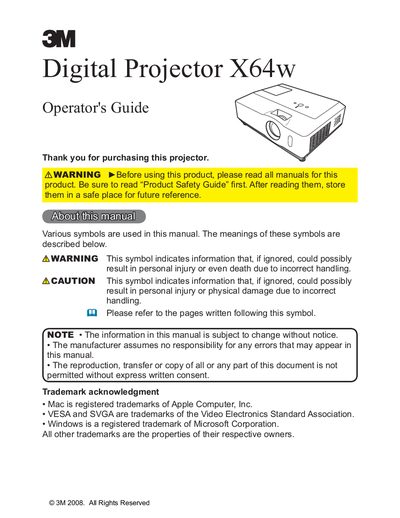
The 3M X64w is a digital projector capable of projecting images from various sources including SD memory cards and USB storage via its PC-Less Presentation function. It supports LAN connection for remote control and monitoring, as well as wireless LAN when using the designated network card.
This manual covers preparations such as fastening the lens cover and identifying parts on the projector, control panel, and remote control. It details setup steps including arrangement based on screen size, connecting devices like VGA and USB storage, power connection, and security measures.
| Resolution (calculated for) | 1024x768 |
|---|
The minimum projection distance is 0.8 meters.
The maximum height is 2.2 meters.