
This document is the operator's guide for the Digital Projector X66, describing its features and instructions for use.
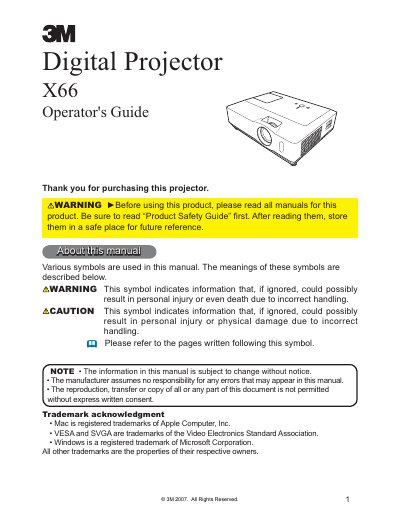
The 3M X66 is a digital projector designed to project various picture signals onto a screen with minimal installation space. The manual covers essential preparations such as checking package contents, fastening the lens cover, and identifying parts on the control and rear panels. It details how to connect devices like computers and audio sources using VGA, S-Video, or Component cables.
The package includes the projector, remote control with batteries, Operator's Guide, Product Safety Guide, Quick Start Guide, Warranty, Lens cover and Strap, WEEE Statement, Security Label, Soft case, VGA cable, RCA audio/video cable, Component cable, Power cord, and a USB cable.
You can adjust the volume using the VOLUME button on the remote control or by pressing the VOLUME button on the control panel.
The lamp unit is inside the projector behind the Lamp door, which is labeled as item (1) on the part names diagram.