
X70 and X80 Quick Start Guide, introduce projector and remote control, power cord, RCA video/audio cable, RGB cable, M1-D cable, product safety guide, quick start guide and user guide (CD-ROM).
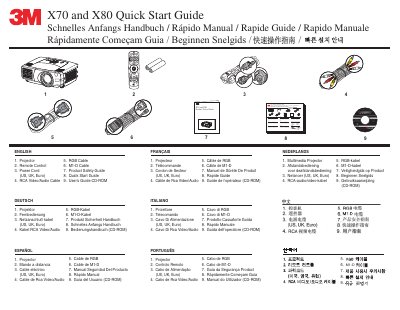
This Quick Start Guide covers the initial setup and operation of the 3M X70 and X80 digital projectors. It details the included accessories, such as the projector, remote control, and various cables, and explains how to connect the device to audio and video sources using inputs like RGB, VGA, and S-Video.
You must clean the air filter every 100 hours of operation.
The manual provides instructions on how to change the lamp, though specific steps are not detailed in this text.