
Agilent E.00.00 GC/MSD ChemStation Integration with OpenLAB ECM Technical Overview

This document introduces the integration of MSD Productivity ChemStation with OpenLAB ECM, including the functions of ECM, the advantages of integration, and how to use it
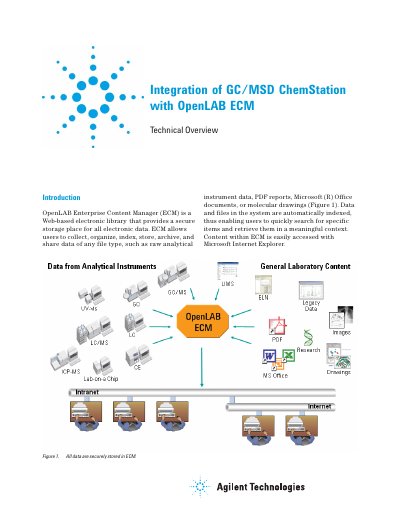

Agilent E.00.00 GC/MSD ChemStation Integration with OpenLAB ECM Technical Overview - cover page
Brand
Agilent
Document type
User Manual
Language
English
Pages
10
File format
PDF
File size
619 KB
Published
05 July, 2012
Updated
30 September, 2023
MD5 checksum
C2CF5E741B22CA20AF9DD5020ED589FF

About this manual

This document provides a technical overview of the integration between Agilent's MSD Productivity ChemStation (version E.00.00) and OpenLAB Enterprise Content Manager (ECM). The integration allows users to store, organize, index, and archive analytical data within a secure, web-based electronic library directly from the ChemStation interface.

What's inside

  • Introduction
  • Advantages of Integration
  • How It All Works
  • Automated and Manual Data Transfer
  • ECM Diagnostic Capability
  • Data Organization Hierarchy
  • Searching ECM Data
  • Automatically Generated PDF Reports

Frequently asked questions

What specific reports are automatically generated in PDF format and stored in ECM?

The system generates six specific reports: Autotune, Tune Evaluation, Air-Water Check, Quant, Library Search, and Area Percent.

What software version is required for the OpenLAB ECM server?

The integration requires an OpenLAB ECM server running Rev. 3.2 or 3.3.1.

Which application modes are supported by this integration?

The integration applies to Enhanced Mode, EnviroQuant, DrugQuant, and Aromatics in Gasoline.

Download PDF (619 KB)

More Agilent Manuals


View all Agilent manuals →