
This instruction manual introduces the basic functions of MP822-4G MP822-8G MP822-16G 2.8 inch high-resolution MP3 and video player, including charging, turning on/off, playing music, video, pictures, documents, etc.
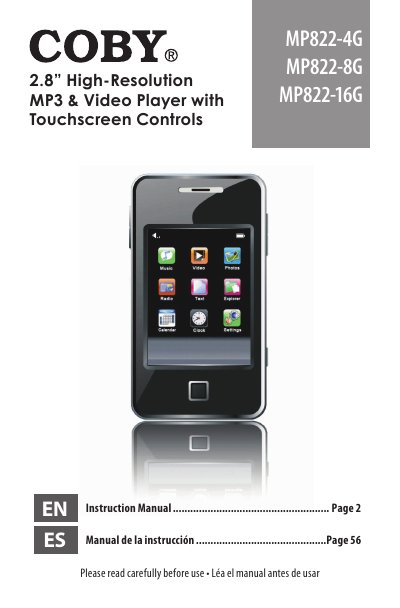
This document is the instruction manual for the Coby MP822 series of video MP3 players, available in 4GB, 8GB, and 16GB flash memory models. The guide covers package contents, unit overview, and detailed instructions on using the touchscreen controls and physical buttons.
| Screen Type | TFT color 2.8" |
|---|---|
| Resolution | 320x240 |
| Audio Formats | MP3, WMA |
| Video Formats | MPEG-4 (AVI / XviD) |
| Photo Formats | JPG, GIF, BMP |
| Text Formats | TXT |
| FM Radio Range | 87.5 - 108.0MHz |
| USB Interface | USB 2.0 |
| Battery Type | Rechargeable lithium-polymer |
Press and hold the MENU button to disable the controls, and press and hold it again to re-enable them.
The player uses a miniSD card slot to upgrade memory capacity.
The player supports Microsoft Windows 2000/XP/Vista and Macintosh OS X.