
This document provides a setup guide for COBY MP3 players, including instructions on how to transfer music CDs to the COBY MP3 player using Windows Media Player 11 and common troubleshooting solutions.
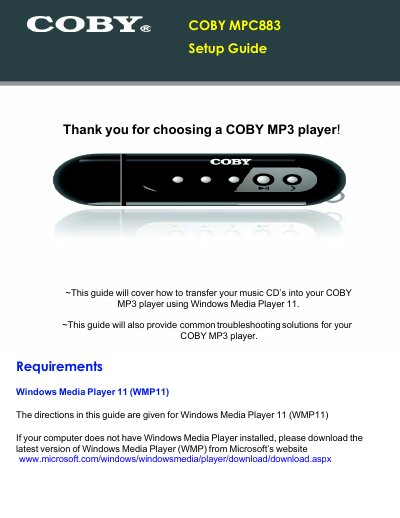
This document serves as a setup guide for the COBY MPC883 MP3 player. It details the process of transferring music from audio CDs to the device using Windows Media Player 11 (WMP11), including steps for ripping and setting rip options. The guide also covers transferring existing MP3 or WMA digital files from a computer to the player via USB synchronization.
Windows Media Player 11 (WMP11) is required to transfer music CDs and files to the player.
The recommended rip setting is a Bit Rate of 128 Kbps.
Possible causes include a dead battery, the Play/Pause/Stop button not being held for 5 seconds, or the player needing a reset by removing the battery.