
This manual introduces the features and characteristics of the Coby Kyros MID7015-4G tablet, including how to use the touchscreen, connect to the internet, and install applications.
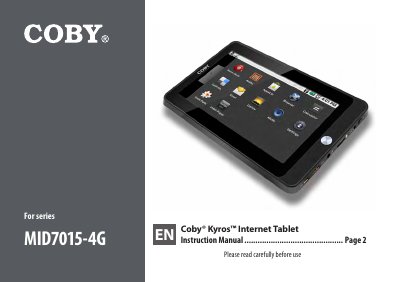
This manual provides instructions for the Coby MID7015-4G Kyros Internet Tablet, a 7.0-inch Android-based device. It covers package contents, unit identification, and initial setup procedures including charging and memory card insertion. The guide details how to navigate the touchscreen interface, manage applications, and customize the home screen.
| Screen Size | 7.0 inch LCD |
|---|---|
| Operating System | Android |
| Wireless Standard | Wi-Fi 802.11 b/g |
| Video Output | 1080p HD via HDMI |
| Battery Type | Rechargeable lithium-polymer |
Press the Power key to turn the unit on, or press and hold to access the Power Off menu.
Use the Reset key to reset the tablet if it freezes or behaves abnormally.