
This is the user manual for TF-TV2609 TF-TV3209 LCD TV. It introduces the screen settings, sound settings, favorite channel memory and closed caption features.
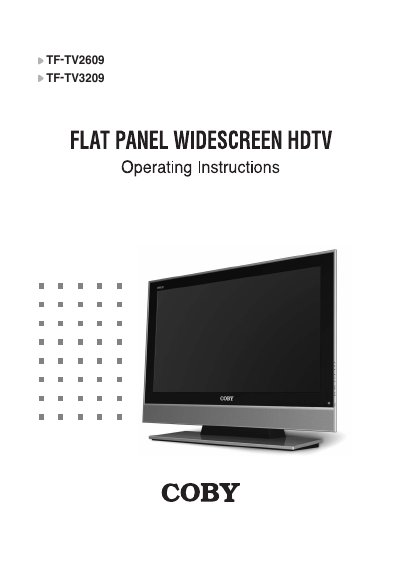
This manual provides operating instructions for the COBY TF-TV2609 and TF-TV3209 Flat Panel Widescreen HDTV models. It details safety precautions, unpacking procedures, and step-by-step guides for connecting external devices such as antennas, VCRs, DVD players, PCs, and HDMI/DVI sources.
The document covers configuration of the TV's internal settings, including screen modes (Sport, Movie, Music), sound profiles, closed caption options, time/date adjustments, and parental controls. It also includes a troubleshooting guide and technical specifications for both models.
| Product Type | Flat Panel Widescreen HDTV |
|---|---|
| Supported Models | TF-TV2609, TF-TV3209 |
You can switch between Sport, Movie, Music, and Normal options.
Turn the caption option on to see the English transcript on the screen.
Unplug it immediately and contact an authorized dealer or repair service.