
This is an instruction manual for MP826-2G MP826-4G MP826-8G 2.8” High-Resolution MP3 & Video Player with Touchscreen Controls
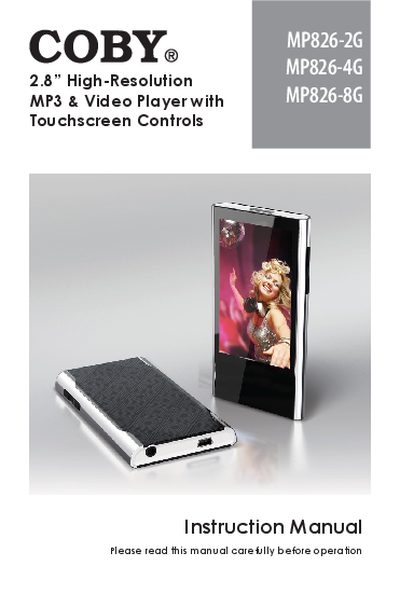
This document is the instruction manual for the COBY MP826 series of MP3 and video players, covering models MP826-2G, MP826-4G, and MP826-8G. It details the use of the 2.8-inch high-resolution touchscreen interface and explains how to operate the device in various modes, including Music, Video, Photo, Radio, Text, Explorer, Calculator, and other utility functions like Calendar and Stopwatch.
The guide covers the entire user lifecycle, from unboxing and charging the battery to connecting the device with a USB cable for file transfers between the player and a computer (Windows or Mac). It also includes instructions for firmware upgrades, safety notices, and a troubleshooting section to resolve common operational issues.
| Screen Size | 2.8 inch |
|---|
Slide the Power / Hold switch to the right for Power.
Slide the Power / Hold switch to the left to activate Hold mode.
The manual supports file transfer for Microsoft Windows and Macintosh OS X.