
COBY MP-C440 Portable MP3 Player Operating Instructions

This document is an instruction manual for the MP-C440 A B portable MP3 player, which introduces the control positions, operation settings, playing music, and recording functions of the player.
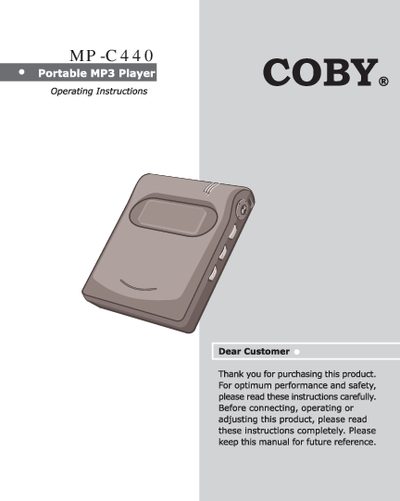

COBY MP-C440 Portable MP3 Player Operating Instructions - cover page
Brand
COBY
Category
MP3 Player
Document type
User Manual
Language
English
Pages
23
File format
PDF
File size
1.3 MB
Published
04 July, 2012
Updated
29 September, 2023
MD5 checksum
7FFCC686C188389E9A76176A2E85A7DC

About this manual

This manual provides operating instructions for the COBY MP-C440 portable MP3 player. It includes information on package contents, control locations, and the HOLD function to prevent accidental button presses. The guide details how to install the necessary software on a PC and download MP3 files to the unit.

What's inside

  • Introduction
  • Package Contents
  • Locations of Controls
  • HOLD Function
  • Setting Up the Player
  • Install Software
  • Connect to PC
  • Download MP3 files
  • Using the Player
  • Technical Specifications

Frequently asked questions

How long does it take for the initial screen to appear after turning on the player?

After pressing the power button, it takes 5 seconds to display the initial screen.

What type of batteries are required for this portable MP3 player?

The unit requires AA alkaline type batteries to operate.

How long must you hold the STOP/OFF button to turn the unit off?

You need to press and hold the stop/power off button for 4 seconds to power it down.

Download PDF (1.3 MB)

More COBY Manuals


View all COBY manuals →