
Key facts
- Brand
- COBY
- Model
- MP8G
- Industry
- Electronics
- Documents
- 2
- Languages
- EN
- Last added
- 2012-07-04
Start here
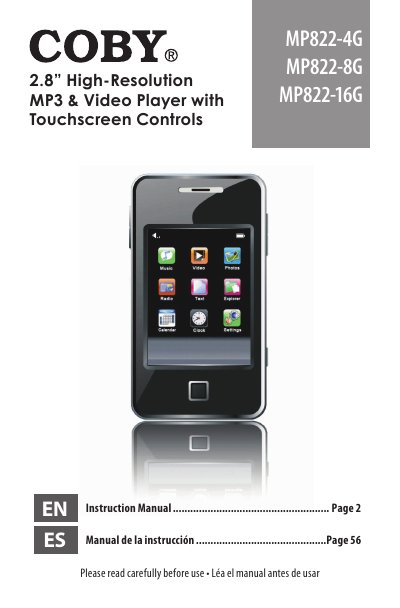
Coby MP822-4G/-8G/-16G Video MP3 Player Instruction Manual
This document is the instruction manual for the Coby MP822 series of video MP3 players, available in 4GB, 8GB, and 16GB flash memory models. The guide covers package contents, unit overview, and detailed instructions on using the touchscreen controls and physical buttons.
Read onlineCOBY MP8G specifications
| Screen Type | TFT color 2.8" |
|---|---|
| Resolution | 320x240 |
| Audio Formats | MP3, WMA |
| Video Formats | MPEG-4 (AVI / XviD) |
| Photo Formats | JPG, GIF, BMP |
| Text Formats | TXT |
| FM Radio Range | 87.5 - 108.0MHz |
| USB Interface | USB 2.0 |
| Battery Type | Rechargeable lithium-polymer |
Source: Coby MP822-4G/-8G/-16G Video MP3 Player Instruction Manual
All COBY MP8G documents by type
Day-to-day operation, settings and troubleshooting. Start here if the product is already set up.
Questions answered in these manuals
How do I turn the player on or off?
Slide the Power / Hold switch to the right for Power.
How do I disable the touchscreen controls?
Slide the Power / Hold switch to the left to activate Hold mode.
How do I disable the player controls?
Press and hold the MENU button to disable the controls, and press and hold it again to re-enable them.
From: Coby MP822-4G/-8G/-16G Video MP3 Player Instruction Manual
What memory card slot does this player use?
The player uses a miniSD card slot to upgrade memory capacity.
From: Coby MP822-4G/-8G/-16G Video MP3 Player Instruction Manual