
COBY MPC945 MP3 Player Setup Guide

This is a setup guide for the COBY MPC945 player. It covers how to transfer your music CDs into your MP3 player using Windows Media Player 11, and also provides common troubleshooting solutions for your player.
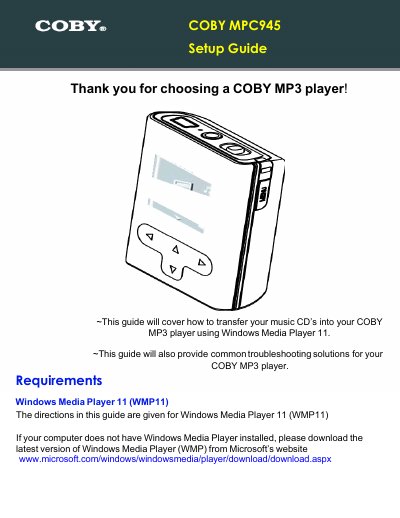

COBY MPC945 MP3 Player Setup Guide - cover page
Brand
COBY
Category
Player
Document type
User Manual
Language
English
Pages
12
File format
PDF
File size
1.6 MB
Published
10 August, 2012
Updated
30 September, 2023
MD5 checksum
94F1D42AC6B3606A1D23321B1B62348A

About this manual

This document serves as a setup guide for the COBY MPC945 MP3 player. It details the process of transferring music from audio CDs to the device using Windows Media Player 11, including steps for ripping CDs and syncing files via USB. The guide also covers how to use the included video converter software.

What's inside

  • Getting Started
  • Transfer your Music CD's
  • Set the Rip Options
  • Start ripping the CD
  • Transfer MP3/WMA Files
  • Browse your music library
  • Select songs to sync
  • Video Converter
  • No Power
  • Song Freezes

Frequently asked questions

What software is required to transfer music to the COBY MPC945?

The guide requires Windows Media Player 11 (WMP11) to transfer music CDs into the player.

What are the recommended settings for ripping music CDs?

The recommended settings are to select the Format as mp3 and the Bit Rate as 128 Kbps.

Download PDF (1.6 MB)

More COBY Manuals


View all COBY manuals →